TV Cast Pro for DLNA Smart TV
Kraus und Karnath GbR 2Kit Consulting 照片与视频 17+ 5,99 €
3.62 · 228 条评分
当前最佳位置
#45
跨越4个商店
峰值
#9跟踪天数
27评分
228 图表历史
27 天由我们记录
商店
今天在4中绘制图表
评分
228 在App Store上
价格
在我们的窗口中更改了6次
安装和收入
苹果没有发布 — 我们不猜测
历史
基于 Astrina 自己的每日快照构建 — 每天一个数据点。
图表位置 — 🇬🇧 付费榜单
14.08 16.08 21.08
显示数字
| 天 | 位置 |
|---|---|
| 14.08 | #50 |
| 16.08 | #20 |
| 21.08 | #45 |
评分数量
05.09 08.09 24.09
显示数字
| 天 | 评分 |
|---|---|
| 05.09 | 228 |
| 06.09 | 228 |
| 07.09 | 228 |
| 08.09 | 228 |
| 09.09 | 228 |
| 23.09 | 228 |
| 24.09 | 228 |
截图
关于此应用
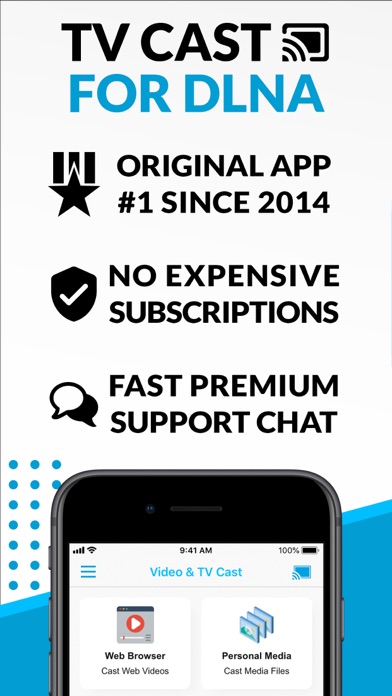
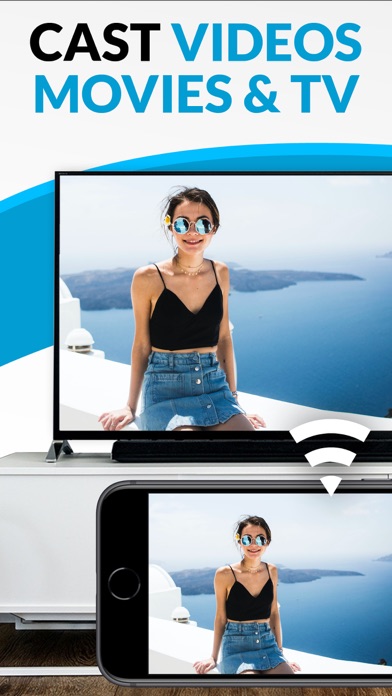
Watch webvideos, online movies, live tv streams and your personal photos, videos & music on your DLNA powered TV, video game console or blu-ray player. Enjoy the show on your big screen.
Browse the web and stream your favorite webvideo or online TV show on a DLNA player like Hisense TV, Grundig TV, Samsung TV, LG TV, Sony TV, Philips TV, Toshiba TV, Panasonic TV, Xbox 360, Xbox One, EZCast, WD TV, Kodi (XBMC), SONOS and many other devices that use DLNA / UPnP / AllShare. Please try the free app version to check if your specific DLNA player is supported.
Mp4, m3u8, hls live streaming, video over https and of course Full HD are supported. And there is no time limit at all! Just open Video & TV Cast, navigate to a website, wait for video link detection and send the video with a single tap to your DLNA player. The discovered link is shown below the browser. A tap on the link will start the show.
* The app only works with a DLNA player that is capable of "media rendering".
* Sony Bravia TVs: Please enable the renderer function of your TV to enable casting. See http://bit.ly/1VKM60A
* iTunes movies, Flash video and DRM protected videos like Amazon Prime, Netflix, Hulu, Vudu, DirecTV, Xfinity, HBO now are not supported!
* Please use the hardware remote of your DLNA player to forward, rewind and pause a running video.
* The app streams only the video part of a website and not the whole website content (No screen or tab mirroring!).
* Sometimes it is necessary to play the video on your iPad or iPhone first before it gets discovered by the app for streaming. It may also be neccessary to try it multiple times until it works on your specific DLNA player.
* If a video does not cast, please check the FAQ on the app startpage. FAQ did not help? Please drop us a mail and give us the chance to help you before leaving a negative comment on the App Store. We will try to add support for that website as soon as possible.
>>> PRO FEATURES
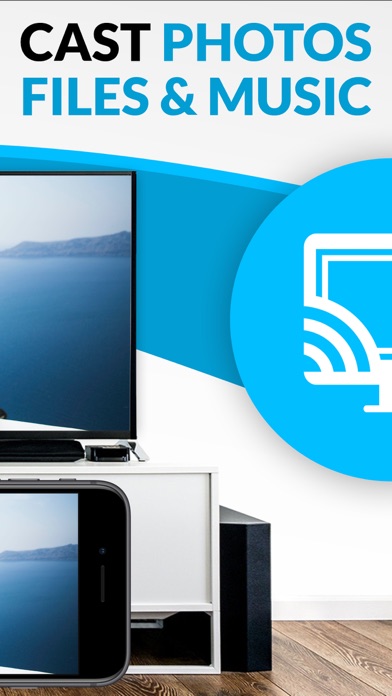
* Personal Media: Cast unlimited personal photos, videos and music directly from your device or from cloud services like iCloud and Dropbox.
* Ad-Blocker + No Sponsoring Ads: The Pro app version has no ads and the Ad-Blocker blocks ads & popups on most websites that you visit. You can enable/disable it at any time in the settings.
* Bookmarks: Add and manage as many bookmarks as you want, either in the bookmarks menu or directly in the browser.
* Desktop Mode: Change the browser user-agent and cloak your iPhone/iPad as a desktop PC to load the desktop website instead of a mobile website. Please note that this will NOT enable video casting on websites that serve Flash videos in desktop mode.
* Change Homepage: After purchasing this you can set your personal homepage in the settings.
>>> A MESSAGE FROM THE DEVELOPERS
Please note that this app may not work with all DLNA devices out there. But we are working hard to improve this app with every update. Your feedback will drive our work ahead and you'll see improvements and new features in the next update. Please send your feedback to [email protected]
Disclaimer: This app is not affiliated with the Digital Living Network Alliance or any other trademark mentioned here.
Browse the web and stream your favorite webvideo or online TV show on a DLNA player like Hisense TV, Grundig TV, Samsung TV, LG TV, Sony TV, Philips TV, Toshiba TV, Panasonic TV, Xbox 360, Xbox One, EZCast, WD TV, Kodi (XBMC), SONOS and many other devices that use DLNA / UPnP / AllShare. Please try the free app version to check if your specific DLNA player is supported.
Mp4, m3u8, hls live streaming, video over https and of course Full HD are supported. And there is no time limit at all! Just open Video & TV Cast, navigate to a website, wait for video link detection and send the video with a single tap to your DLNA player. The discovered link is shown below the browser. A tap on the link will start the show.
* The app only works with a DLNA player that is capable of "media rendering".
* Sony Bravia TVs: Please enable the renderer function of your TV to enable casting. See http://bit.ly/1VKM60A
* iTunes movies, Flash video and DRM protected videos like Amazon Prime, Netflix, Hulu, Vudu, DirecTV, Xfinity, HBO now are not supported!
* Please use the hardware remote of your DLNA player to forward, rewind and pause a running video.
* The app streams only the video part of a website and not the whole website content (No screen or tab mirroring!).
* Sometimes it is necessary to play the video on your iPad or iPhone first before it gets discovered by the app for streaming. It may also be neccessary to try it multiple times until it works on your specific DLNA player.
* If a video does not cast, please check the FAQ on the app startpage. FAQ did not help? Please drop us a mail and give us the chance to help you before leaving a negative comment on the App Store. We will try to add support for that website as soon as possible.
>>> PRO FEATURES
* Personal Media: Cast unlimited personal photos, videos and music directly from your device or from cloud services like iCloud and Dropbox.
* Ad-Blocker + No Sponsoring Ads: The Pro app version has no ads and the Ad-Blocker blocks ads & popups on most websites that you visit. You can enable/disable it at any time in the settings.
* Bookmarks: Add and manage as many bookmarks as you want, either in the bookmarks menu or directly in the browser.
* Desktop Mode: Change the browser user-agent and cloak your iPhone/iPad as a desktop PC to load the desktop website instead of a mobile website. Please note that this will NOT enable video casting on websites that serve Flash videos in desktop mode.
* Change Homepage: After purchasing this you can set your personal homepage in the settings.
>>> A MESSAGE FROM THE DEVELOPERS
Please note that this app may not work with all DLNA devices out there. But we are working hard to improve this app with every update. Your feedback will drive our work ahead and you'll see improvements and new features in the next update. Please send your feedback to [email protected]
Disclaimer: This app is not affiliated with the Digital Living Network Alliance or any other trademark mentioned here.
详情
| 开发者 | Kraus und Karnath GbR 2Kit Consulting |
|---|---|
| 类别 | 照片与视频 |
| 价格 | 5,99 € |
| 年龄评级 | 17+ |
| 版本 | 3.6 |
| 大小 | 39.2 MB |
| 最低 iOS | 9.0 |
| 包 ID | de.2kit.cast-browser-dlna-pro |
| 发布 | 2016-06-20 |
| 最后更新 | 2024-02-15 |
| 语言 | 1 语言 |
此页面回答的问题
- TV Cast Pro for DLNA Smart TV 应用评论
- TV Cast Pro for DLNA Smart TV 应用评级
- TV Cast Pro for DLNA Smart TV 下载
- TV Cast Pro for DLNA Smart TV 应用商店排名
- TV Cast Pro for DLNA Smart TV 评论
- TV Cast Pro for DLNA Smart TV 评论和评分
- TV Cast Pro for DLNA Smart TV 是否合法
- TV Cast Pro for DLNA Smart TV 是否是骗局
- TV Cast Pro for DLNA Smart TV 真实用户评论
- TV Cast Pro for DLNA Smart TV 评分
- TV Cast Pro for DLNA Smart TV 投诉
- 人们对 TV Cast Pro for DLNA Smart TV 的看法
- TV Cast Pro for DLNA Smart TV 应用 评论
- TV Cast Pro for DLNA Smart TV 优缺点
- TV Cast Pro for DLNA Smart TV 经验
- 我应该信任 TV Cast Pro for DLNA Smart TV 吗
- TV Cast Pro for DLNA Smart TV 反馈
- TV Cast Pro for DLNA Smart TV 评论 2026
- TV Cast Pro for DLNA Smart TV 检查
- TV Cast Pro for DLNA Smart TV 安全检查
