TV Cast Pro for DLNA Smart TV
Kraus und Karnath GbR 2Kit Consulting Foto y Video 17+ 5,99 €
3.62 · 228 calificaciones
Mejor posición ahora
#45
a través de 4 tiendas
Pico
#9Días rastreados
27Calificaciones
228 Historial de gráficos
27 días registrados por nosotros
Tiendas
gráficos en 4 hoy
Calificaciones
228 en la App Store
Precio
cambiado 6 vez(es) en nuestra ventana
Instalaciones e ingresos
Apple no publica ninguno — no adivinamos
Actualmente en la lista
Historia
Construido a partir de las propias instantáneas diarias de Astrina — un punto por día.
Posición en la lista — 🇬🇧 Top Pagado
14.08 16.08 21.08
Mostrar los números
| Día | Posición |
|---|---|
| 14.08 | #50 |
| 16.08 | #20 |
| 21.08 | #45 |
Número de valoraciones
05.09 08.09 24.09
Mostrar los números
| Día | Calificaciones |
|---|---|
| 05.09 | 228 |
| 06.09 | 228 |
| 07.09 | 228 |
| 08.09 | 228 |
| 09.09 | 228 |
| 23.09 | 228 |
| 24.09 | 228 |
Capturas de pantalla
Acerca de esta aplicación
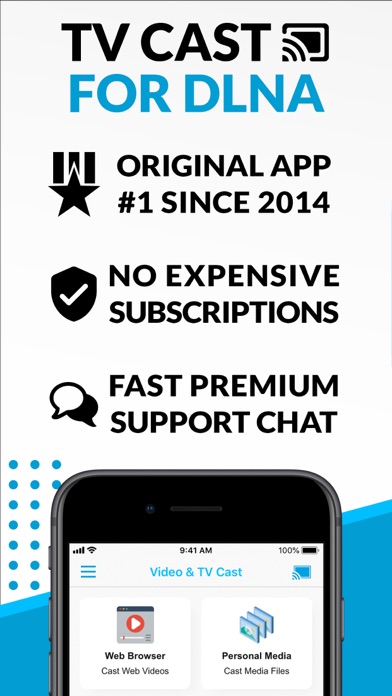
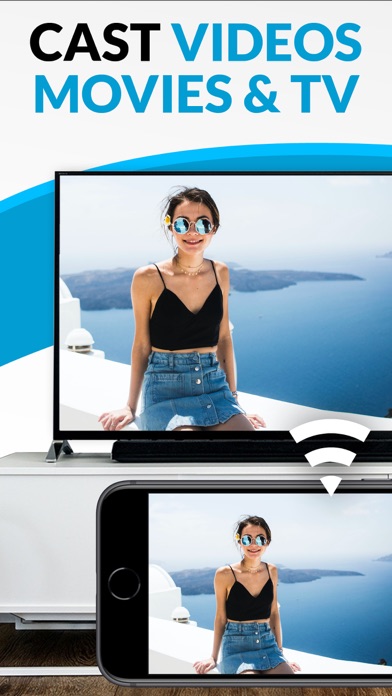
Watch webvideos, online movies, live tv streams and your personal photos, videos & music on your DLNA powered TV, video game console or blu-ray player. Enjoy the show on your big screen.
Browse the web and stream your favorite webvideo or online TV show on a DLNA player like Hisense TV, Grundig TV, Samsung TV, LG TV, Sony TV, Philips TV, Toshiba TV, Panasonic TV, Xbox 360, Xbox One, EZCast, WD TV, Kodi (XBMC), SONOS and many other devices that use DLNA / UPnP / AllShare. Please try the free app version to check if your specific DLNA player is supported.
Mp4, m3u8, hls live streaming, video over https and of course Full HD are supported. And there is no time limit at all! Just open Video & TV Cast, navigate to a website, wait for video link detection and send the video with a single tap to your DLNA player. The discovered link is shown below the browser. A tap on the link will start the show.
* The app only works with a DLNA player that is capable of "media rendering".
* Sony Bravia TVs: Please enable the renderer function of your TV to enable casting. See http://bit.ly/1VKM60A
* iTunes movies, Flash video and DRM protected videos like Amazon Prime, Netflix, Hulu, Vudu, DirecTV, Xfinity, HBO now are not supported!
* Please use the hardware remote of your DLNA player to forward, rewind and pause a running video.
* The app streams only the video part of a website and not the whole website content (No screen or tab mirroring!).
* Sometimes it is necessary to play the video on your iPad or iPhone first before it gets discovered by the app for streaming. It may also be neccessary to try it multiple times until it works on your specific DLNA player.
* If a video does not cast, please check the FAQ on the app startpage. FAQ did not help? Please drop us a mail and give us the chance to help you before leaving a negative comment on the App Store. We will try to add support for that website as soon as possible.
>>> PRO FEATURES
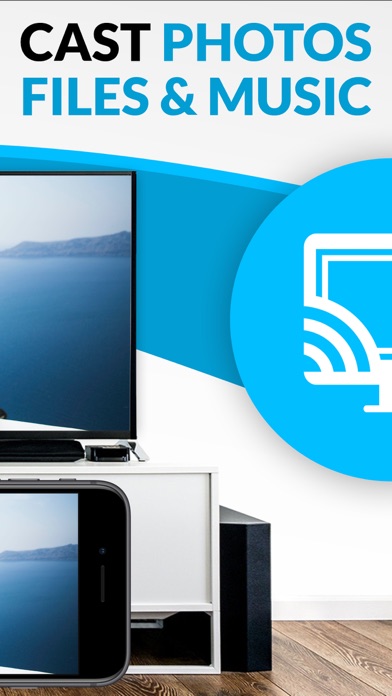
* Personal Media: Cast unlimited personal photos, videos and music directly from your device or from cloud services like iCloud and Dropbox.
* Ad-Blocker + No Sponsoring Ads: The Pro app version has no ads and the Ad-Blocker blocks ads & popups on most websites that you visit. You can enable/disable it at any time in the settings.
* Bookmarks: Add and manage as many bookmarks as you want, either in the bookmarks menu or directly in the browser.
* Desktop Mode: Change the browser user-agent and cloak your iPhone/iPad as a desktop PC to load the desktop website instead of a mobile website. Please note that this will NOT enable video casting on websites that serve Flash videos in desktop mode.
* Change Homepage: After purchasing this you can set your personal homepage in the settings.
>>> A MESSAGE FROM THE DEVELOPERS
Please note that this app may not work with all DLNA devices out there. But we are working hard to improve this app with every update. Your feedback will drive our work ahead and you'll see improvements and new features in the next update. Please send your feedback to [email protected]
Disclaimer: This app is not affiliated with the Digital Living Network Alliance or any other trademark mentioned here.
Browse the web and stream your favorite webvideo or online TV show on a DLNA player like Hisense TV, Grundig TV, Samsung TV, LG TV, Sony TV, Philips TV, Toshiba TV, Panasonic TV, Xbox 360, Xbox One, EZCast, WD TV, Kodi (XBMC), SONOS and many other devices that use DLNA / UPnP / AllShare. Please try the free app version to check if your specific DLNA player is supported.
Mp4, m3u8, hls live streaming, video over https and of course Full HD are supported. And there is no time limit at all! Just open Video & TV Cast, navigate to a website, wait for video link detection and send the video with a single tap to your DLNA player. The discovered link is shown below the browser. A tap on the link will start the show.
* The app only works with a DLNA player that is capable of "media rendering".
* Sony Bravia TVs: Please enable the renderer function of your TV to enable casting. See http://bit.ly/1VKM60A
* iTunes movies, Flash video and DRM protected videos like Amazon Prime, Netflix, Hulu, Vudu, DirecTV, Xfinity, HBO now are not supported!
* Please use the hardware remote of your DLNA player to forward, rewind and pause a running video.
* The app streams only the video part of a website and not the whole website content (No screen or tab mirroring!).
* Sometimes it is necessary to play the video on your iPad or iPhone first before it gets discovered by the app for streaming. It may also be neccessary to try it multiple times until it works on your specific DLNA player.
* If a video does not cast, please check the FAQ on the app startpage. FAQ did not help? Please drop us a mail and give us the chance to help you before leaving a negative comment on the App Store. We will try to add support for that website as soon as possible.
>>> PRO FEATURES
* Personal Media: Cast unlimited personal photos, videos and music directly from your device or from cloud services like iCloud and Dropbox.
* Ad-Blocker + No Sponsoring Ads: The Pro app version has no ads and the Ad-Blocker blocks ads & popups on most websites that you visit. You can enable/disable it at any time in the settings.
* Bookmarks: Add and manage as many bookmarks as you want, either in the bookmarks menu or directly in the browser.
* Desktop Mode: Change the browser user-agent and cloak your iPhone/iPad as a desktop PC to load the desktop website instead of a mobile website. Please note that this will NOT enable video casting on websites that serve Flash videos in desktop mode.
* Change Homepage: After purchasing this you can set your personal homepage in the settings.
>>> A MESSAGE FROM THE DEVELOPERS
Please note that this app may not work with all DLNA devices out there. But we are working hard to improve this app with every update. Your feedback will drive our work ahead and you'll see improvements and new features in the next update. Please send your feedback to [email protected]
Disclaimer: This app is not affiliated with the Digital Living Network Alliance or any other trademark mentioned here.
Detalles
| Desarrollador | Kraus und Karnath GbR 2Kit Consulting |
|---|---|
| Categoría | Foto y Video |
| Precio | 5,99 € |
| Clasificación por edad | 17+ |
| Versión | 3.6 |
| Tamaño | 39.2 MB |
| iOS mínimo | 9.0 |
| ID del paquete | de.2kit.cast-browser-dlna-pro |
| Lanzado | 2016-06-20 |
| Última actualización | 2024-02-15 |
| Idiomas | 1 idiomas |
Lo que esta página responde
- TV Cast Pro for DLNA Smart TV reseñas de aplicaciones
- TV Cast Pro for DLNA Smart TV calificación de la aplicación
- TV Cast Pro for DLNA Smart TV descarga
- TV Cast Pro for DLNA Smart TV rango en la tienda de aplicaciones
- reseñas de TV Cast Pro for DLNA Smart TV
- reseñas y calificaciones de TV Cast Pro for DLNA Smart TV
- es TV Cast Pro for DLNA Smart TV legítimo
- es TV Cast Pro for DLNA Smart TV una estafa
- reseñas de usuarios reales de TV Cast Pro for DLNA Smart TV
- calificación de TV Cast Pro for DLNA Smart TV
- quejas de TV Cast Pro for DLNA Smart TV
- lo que la gente dice sobre TV Cast Pro for DLNA Smart TV
- reseñas de TV Cast Pro for DLNA Smart TV aplicación
- pros y contras de TV Cast Pro for DLNA Smart TV
- experiencia de TV Cast Pro for DLNA Smart TV
- debería confiar en TV Cast Pro for DLNA Smart TV
- comentarios de TV Cast Pro for DLNA Smart TV
- reseña de TV Cast Pro for DLNA Smart TV 2026
- verificación de TV Cast Pro for DLNA Smart TV
- verificación de seguridad de TV Cast Pro for DLNA Smart TV
