
Nest Pensions
NEST Corporation Finanzen 4+ Kostenlos
2.34 · 134 Bewertungen
Beste Position jetzt
#54
über 1 Verkaufsstellen
Höhepunkt
#47Verfolgte Tage
14Bewertungen
134 Diagrammhistorie
14 Tage von uns aufgezeichnet
Läden
Diagramm in 1 heute
Bewertungen
134 im App Store
Preis
hat 8 Mal in unserem Fenster geändert
Installationen und Einnahmen
Apple veröffentlicht keine — wir raten nicht
Aktuell in den Charts
Verlauf
Basierend auf Astrinas eigenen täglichen Momentaufnahmen — ein Punkt pro Tag.
Chartposition — 🇬🇧 Top Kostenlos
24.07 20.08 24.09
Zeige die Zahlen
| Tag | Position |
|---|---|
| 24.07 | #59 |
| 25.07 | #57 |
| 31.07 | #47 |
| 01.08 | #49 |
| 02.08 | #60 |
| 14.08 | #60 |
| 20.08 | #60 |
| 28.08 | #57 |
| 29.08 | #59 |
| 04.09 | #59 |
| 18.09 | #59 |
| 19.09 | #60 |
| 23.09 | #57 |
| 24.09 | #54 |
Anzahl der Bewertungen
24.07 02.08 29.08
Zeige die Zahlen
| Tag | Bewertungen |
|---|---|
| 24.07 | 113 |
| 25.07 | 113 |
| 31.07 | 113 |
| 01.08 | 113 |
| 02.08 | 113 |
| 14.08 | 115 |
| 20.08 | 117 |
| 28.08 | 118 |
| 29.08 | 118 |
Screenshots
Über diese App
Want a handy way to check on your pension savings? With the Nest pensions app:
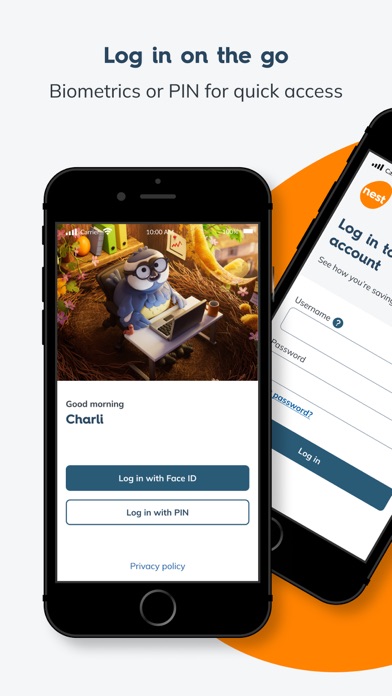
• Log in easily and securely using biometric (fingerprint or face ID) or PIN
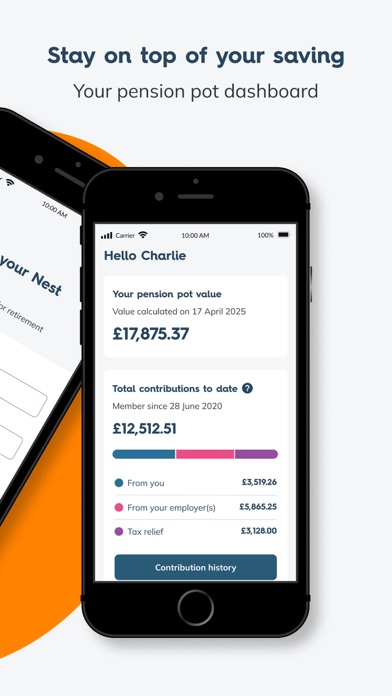
• View your pension pot dashboard
• View contributions added to your pot by you, your employer and the government’s tax relief
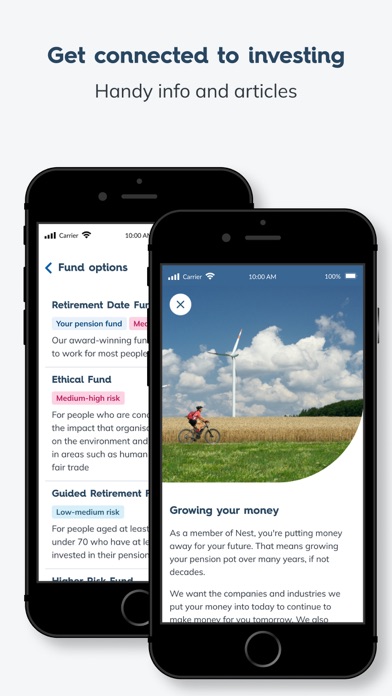
• View your fund your pot is invested in
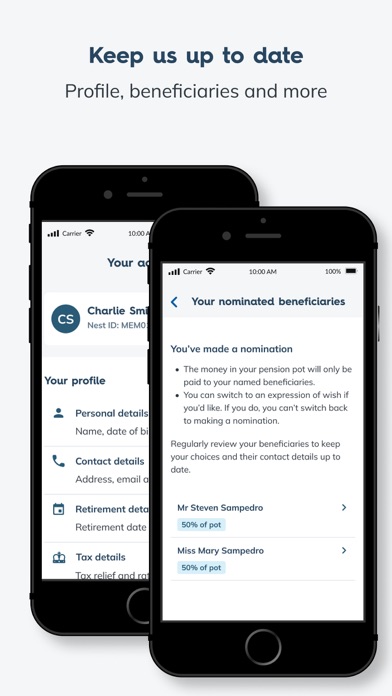
• Keep your account details like address, phone and email up-to-date
• Add or manage beneficiaries for your pot
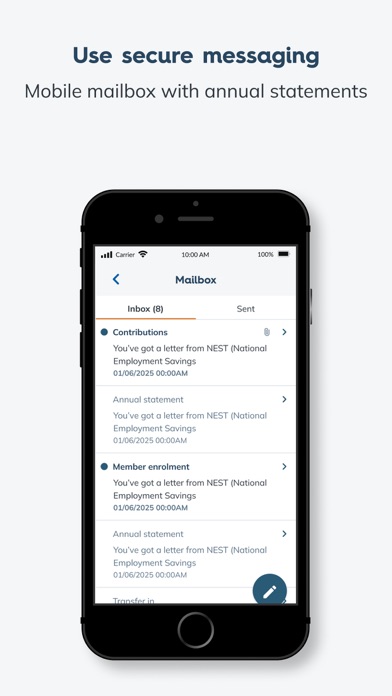
• View and send secure messages
Getting started:
You must be a Nest member to use the app.
If you have already set up your Nest account online:
• Log in to the app using the same username and password that you use to log in to your member account on our website – nestpensions.org.uk
• You will then be asked to set up a 6 digit PIN, followed by the option to set up biometric (fingerprint or face ID) login, either of which you can then use to going forward to log in.
If you haven’t already set up your Nest account online:
• Go to nestpensions.org.uk to register. You’ll need your Nest member ID from a letter you have received from us
• Then download the Nest Pensions app and log in as per the process given above
Help and Support:
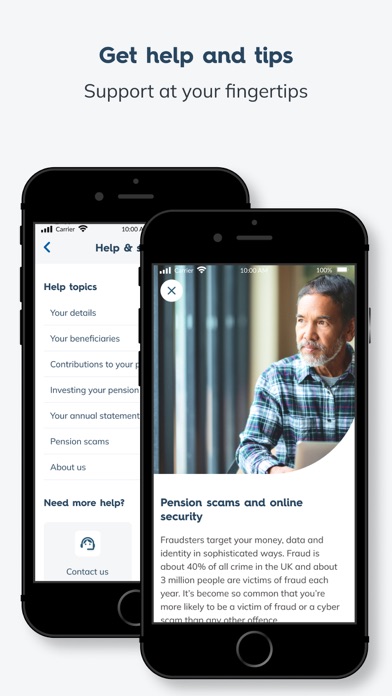
If you need support, you’ll find it in the Help section of our app. The Member Help Centre on our website also has app support.
If you have a question about your Nest account or pension pot, log into the app or our website to send us a secure message.
Give us your view:
We’d love to hear what you think about the features and tools in the app. Feel free to contact us at:
[email protected]
Do not include personal details like your pot balance or password in your feedback.
• Log in easily and securely using biometric (fingerprint or face ID) or PIN
• View your pension pot dashboard
• View contributions added to your pot by you, your employer and the government’s tax relief
• View your fund your pot is invested in
• Keep your account details like address, phone and email up-to-date
• Add or manage beneficiaries for your pot
• View and send secure messages
Getting started:
You must be a Nest member to use the app.
If you have already set up your Nest account online:
• Log in to the app using the same username and password that you use to log in to your member account on our website – nestpensions.org.uk
• You will then be asked to set up a 6 digit PIN, followed by the option to set up biometric (fingerprint or face ID) login, either of which you can then use to going forward to log in.
If you haven’t already set up your Nest account online:
• Go to nestpensions.org.uk to register. You’ll need your Nest member ID from a letter you have received from us
• Then download the Nest Pensions app and log in as per the process given above
Help and Support:
If you need support, you’ll find it in the Help section of our app. The Member Help Centre on our website also has app support.
If you have a question about your Nest account or pension pot, log into the app or our website to send us a secure message.
Give us your view:
We’d love to hear what you think about the features and tools in the app. Feel free to contact us at:
[email protected]
Do not include personal details like your pot balance or password in your feedback.
Details
| Entwickler | NEST Corporation |
|---|---|
| Kategorie | Finanzen |
| Preis | Kostenlos |
| Altersfreigabe | 4+ |
| Version | 1.7.4 |
| Größe | 46.4 MB |
| Minimale iOS-Version | 15.1 |
| Bundle-ID | com.nestpensions.memberapp |
| Veröffentlicht | 2024-06-23 |
| Zuletzt aktualisiert | 2026-09-19 |
| Sprachen | 1 Sprachen |
Was diese Seite beantwortet
- Nest Pensions App-Bewertungen
- Nest Pensions App-Bewertung
- Nest Pensions Download
- Nest Pensions App-Store-Rang
- Nest Pensions Bewertungen
- Nest Pensions Bewertungen und Bewertungen
- ist Nest Pensions legitim
- ist Nest Pensions ein Betrug
- Nest Pensions echte Nutzerbewertungen
- Nest Pensions Bewertung
- Nest Pensions Beschwerden
- was die Leute über Nest Pensions sagen
- Nest Pensions app Bewertungen
- Nest Pensions Vor- und Nachteile
- Nest Pensions Erfahrung
- sollte ich Nest Pensions vertrauen
- Nest Pensions Feedback
- Nest Pensions Bewertung 2026
- Nest Pensions Überprüfung
- Nest Pensions Sicherheitsüberprüfung
